Email Design System — Figma Plugin
Rebuilt my Figma-to-email plugin from scratch after losing the original, this time for people who have never opened a line of HTML.
- Client
- Personal Project
- Role
- Product Designer, Developer
- Years
- 2026
Challenge
The first version of my Figma email plugin proved that a modular email design system was possible. Then the files disappeared. Gone. Poof. And with them went the part I liked best, which was how easy it was to add a new module.
The original problem hadn't gone anywhere, though. Email is still the one place where a design that looks perfect in Figma can fall apart in Outlook, and nobody wants to explain to their boss why the newsletter looks like the latest edition of “Where is Waldo?”.
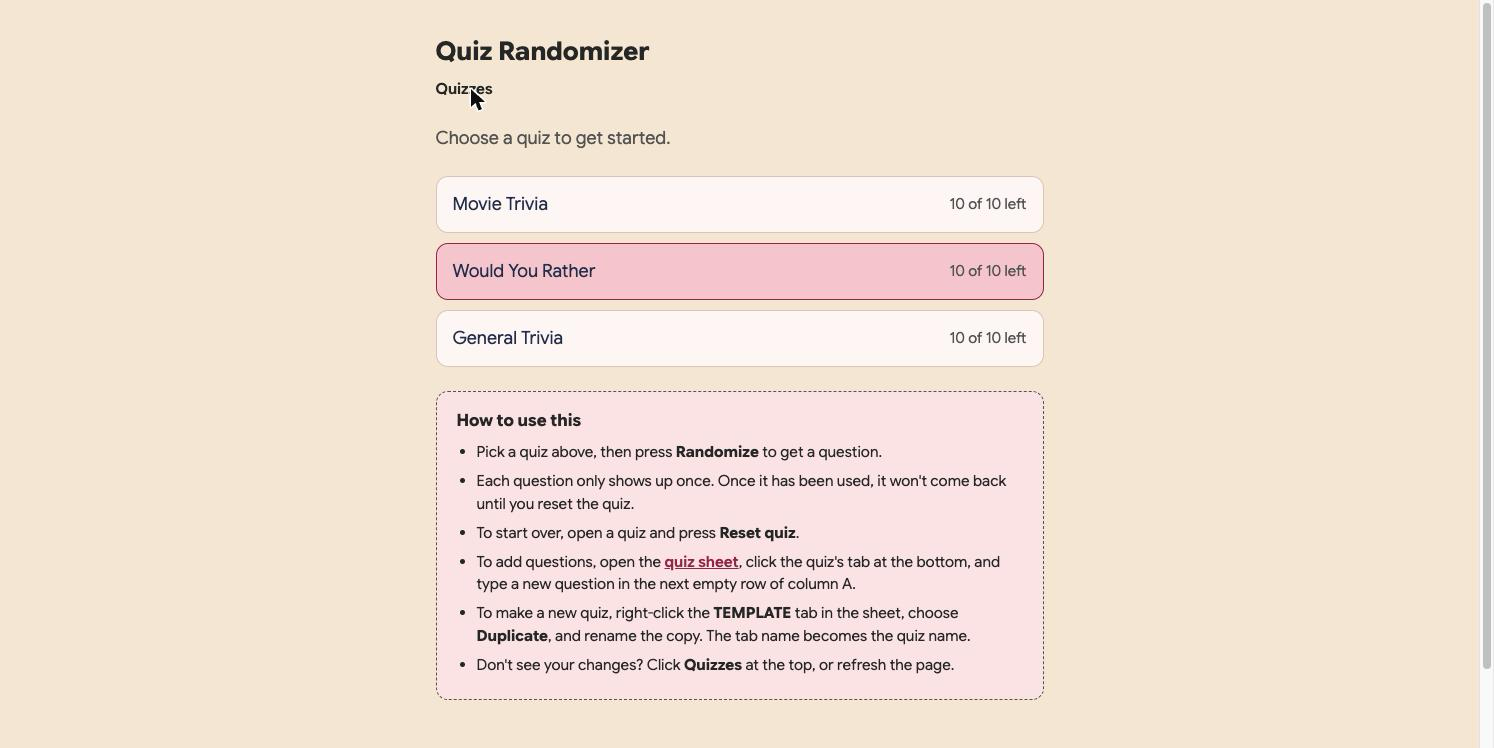
So I started over with a stricter brief: templates and modules only, no "paste any design and hope", and a guide written for people who have never heard of a table-based layout and don't want to.
Action

The old plugin tried to be flexible. This one tries to be dependable.
Everything is a template or a module, so the plugin always knows what it's exporting. If you want something extra, you add another module. If you draw a loose rectangle on the canvas, the Export tab politely tells you it won't make it into the email.
Outlook gets the first vote. Table layouts, buttons and backgrounds that Outlook can actually draw, and dark-mode styling for the apps that flip colors on you.
Show, don't list
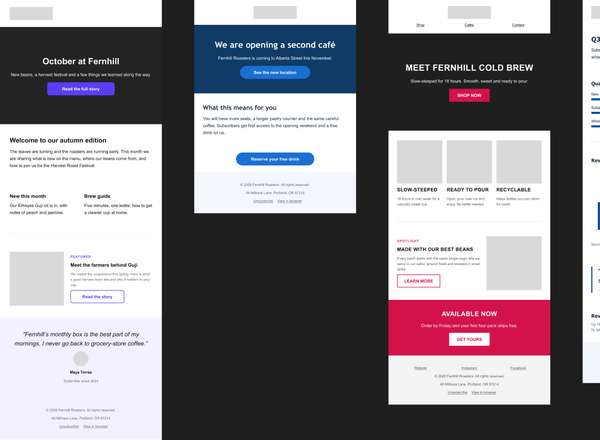
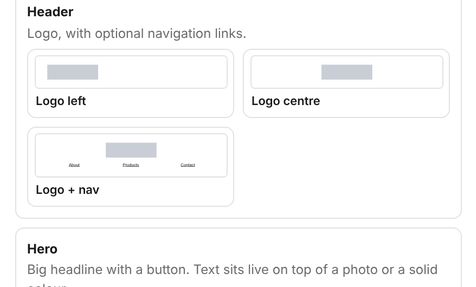
A list of block names means nothing to a casual email builder or a first-time user. "Hero, split, image-bg" is a riddle. So every module has a tiny live preview that follows whatever style you've picked. You choose by looking, the way a normal person would.
- 13 module types, each with a few variants (for example, logo left or logo centered)
- Seven templates, built from those modules
- New modules land right after the one you have selected
One click, whole new look
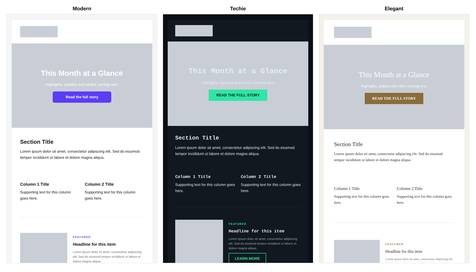
Eight preset styles, plus your own brand color, fonts, button roundness and logo, and you can save your own combination. Pick one and the whole email restyles while your words stay exactly where you left them. Select several emails and they all change together, which, fun fact, was a bug until I noticed it only changed one.
Other Design Decisions
- Seven web-safe fonts only — A fancy font in Figma gets swapped for something else in the inbox. So the plugin says so in plain words instead of letting you find out the hard way.
- A pre-send checklist — Grey placeholder images, buttons without links and missing alt text get flagged before you send.
- A guide for humans — A how-to written for office workers, not developers. If a step needed the word "HTML" more than once, I rewrote it.
Tech Stack
TypeScript and the Figma Plugin API. One layout tree per module, read two ways: once to draw the block in Figma, once to write the email HTML, so the two can't drift apart. Built with Claude and tested by an automated suite that builds every template in every style and checks the output.
Results
13
Module types
7
Templates
8
Preset styles
- A Figma plugin that goes from template to copy-and-paste HTML in about five steps
- A pre-send checklist that catches grey placeholder images, buttons without links and missing alt text
- All 88 sample emails come out clean of the things Outlook can't handle, checked automatically on every build
- Dark mode, 600px width and web-safe fonts are built in, so nobody has to remember them
- A how-to guide and a demo zip, so anyone can install it and try it
- Still in beta: real-world checks in Outlook, Gmail and Apple Mail are underway